THE PAPERWORK
Send it in. Skip the typing.
Scan a receipt on iPhone, forward an invoice to your account email or upload a file. AI creates the expense, keeps the original and flags what needs a look.
Explore incoming expenses & AI ↗A little less admin. More productivity
Projects, people and the money bit. Finally on speaking terms.
One beautifully simple home for your business.
60 days free. No credit card. No big decision.
Click the picture to pause · C for captions · Esc to close
A LITTLE LESS DOING EVERYTHING YOURSELF
Four ways Beeswax takes the busywork out of your day.
THE PAPERWORK
Scan a receipt on iPhone, forward an invoice to your account email or upload a file. AI creates the expense, keeps the original and flags what needs a look.
Explore incoming expenses & AI ↗THE REPEAT JOBS
Bank feeds match existing records. With enough consistent history, eligible transactions can become finalised, paid expenses automatically. Exceptions stay visible for review.
Explore bank feeds ↗THE BIG FILES
Connect your NAS through WebDAV. Bring live folders into the project and share with named recipients, without keeping another huge copy in Beeswax.
Explore files & WebDAV ↗THE CONVERSATION
Connect a compatible AI assistant to your Beeswax account. Ask about the books, prepare documents or work through a move from Xero, with access you control.
Explore MCP & AI assistants ↗Beeswax interface examples, using the application’s styles. Scroll inside to explore.
From “we should” to “we’re paid”.
Start with a project. Add the quote, tasks and expenses as the work takes shape. Send the invoice when it’s done. Your books keep up all along. Funny how much easier that feels.
PROJECTS, TASKS & TIME
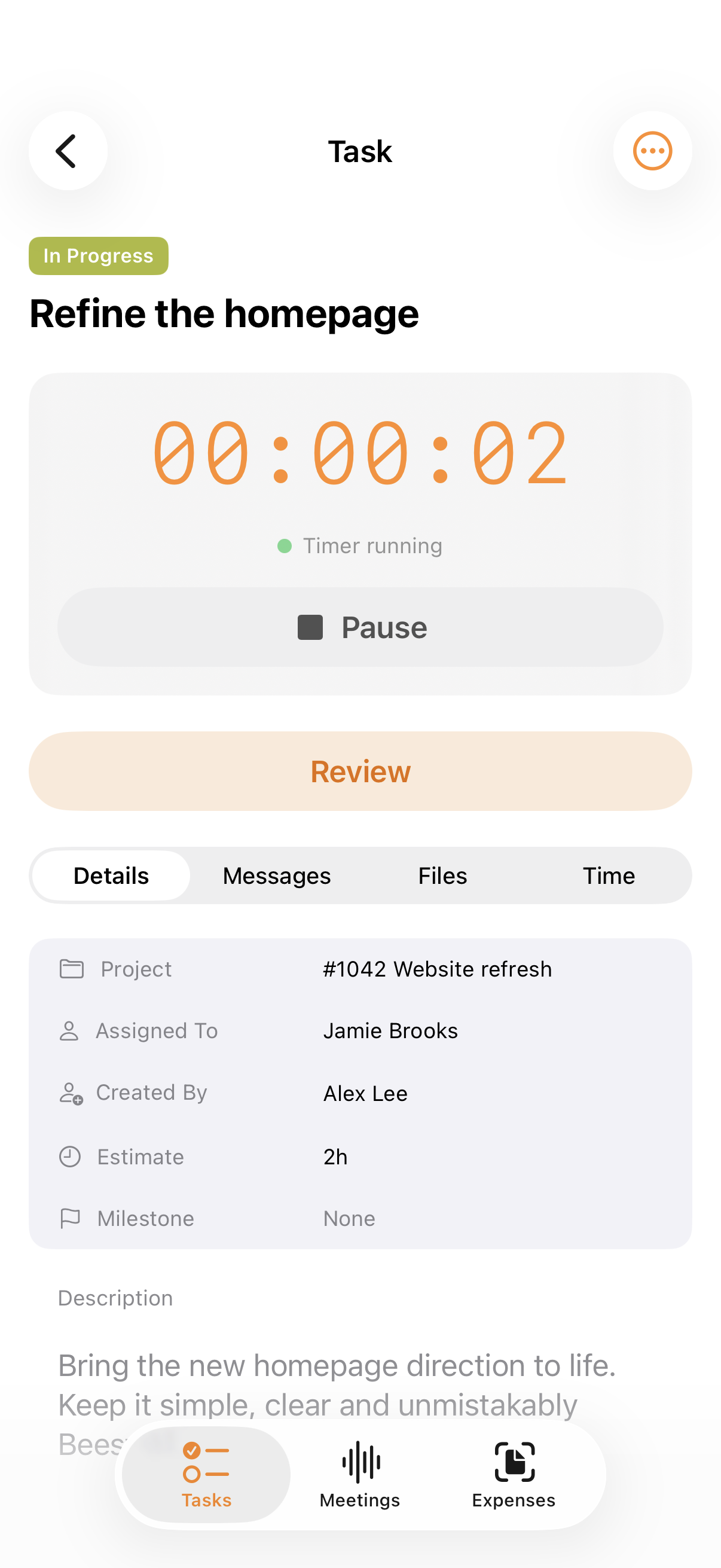
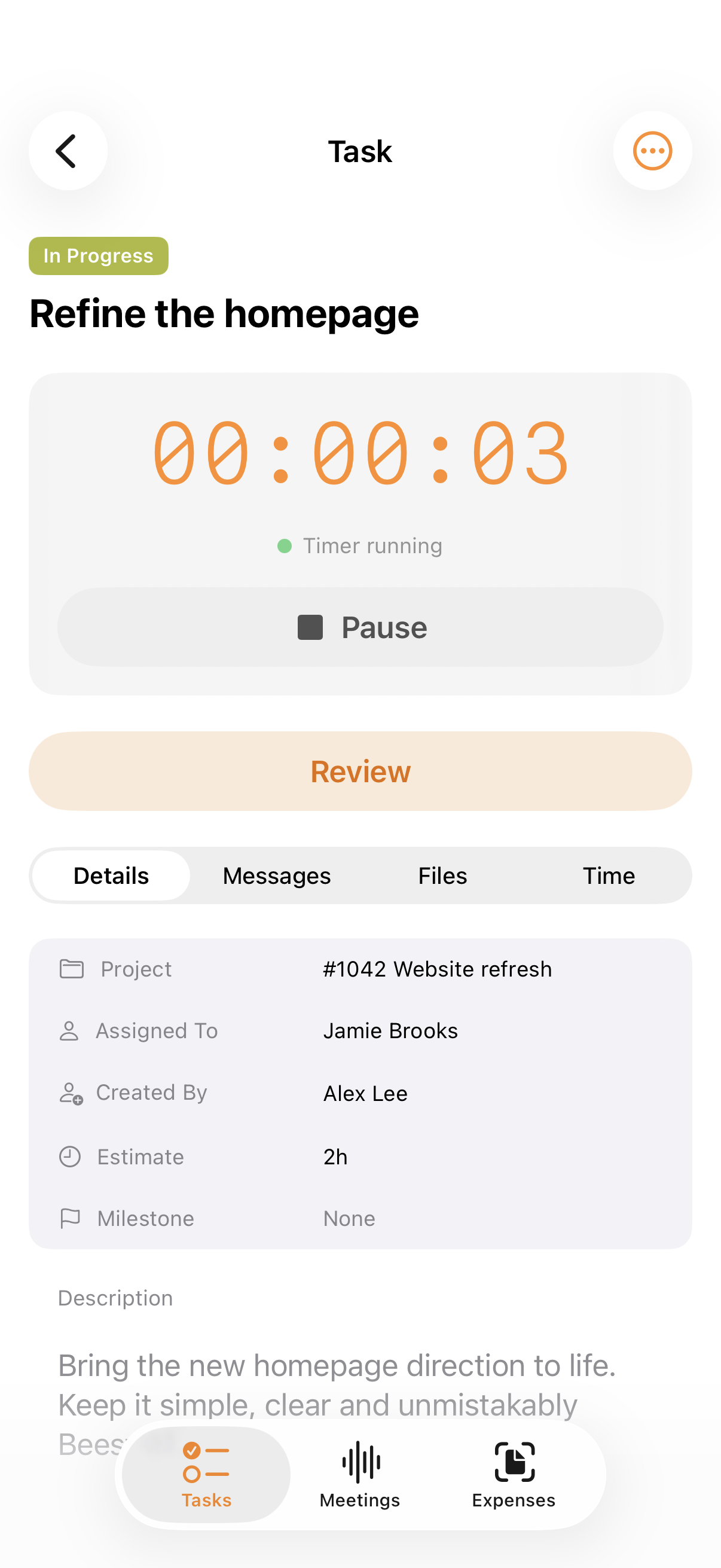
The task. The brief. The time it takes. Bring the next thing into focus, with the whole project right behind it.
Meet your new workflow ↗Try Start. A small interaction with a bigger picture. Illustrative task · Sample data
INCOMING EXPENSES & AI
Scan it. Email it. Upload it. AI picks out the details, keeps the original and flags what needs your attention. You get the final say.
Meet incoming expenses ↗THE WORK. THE MONEY. THE WHOLE PICTURE.
Start with a project. Add the work and the money as you go. Connected records, all the way to the bank match.
At your desk. Out doing things.
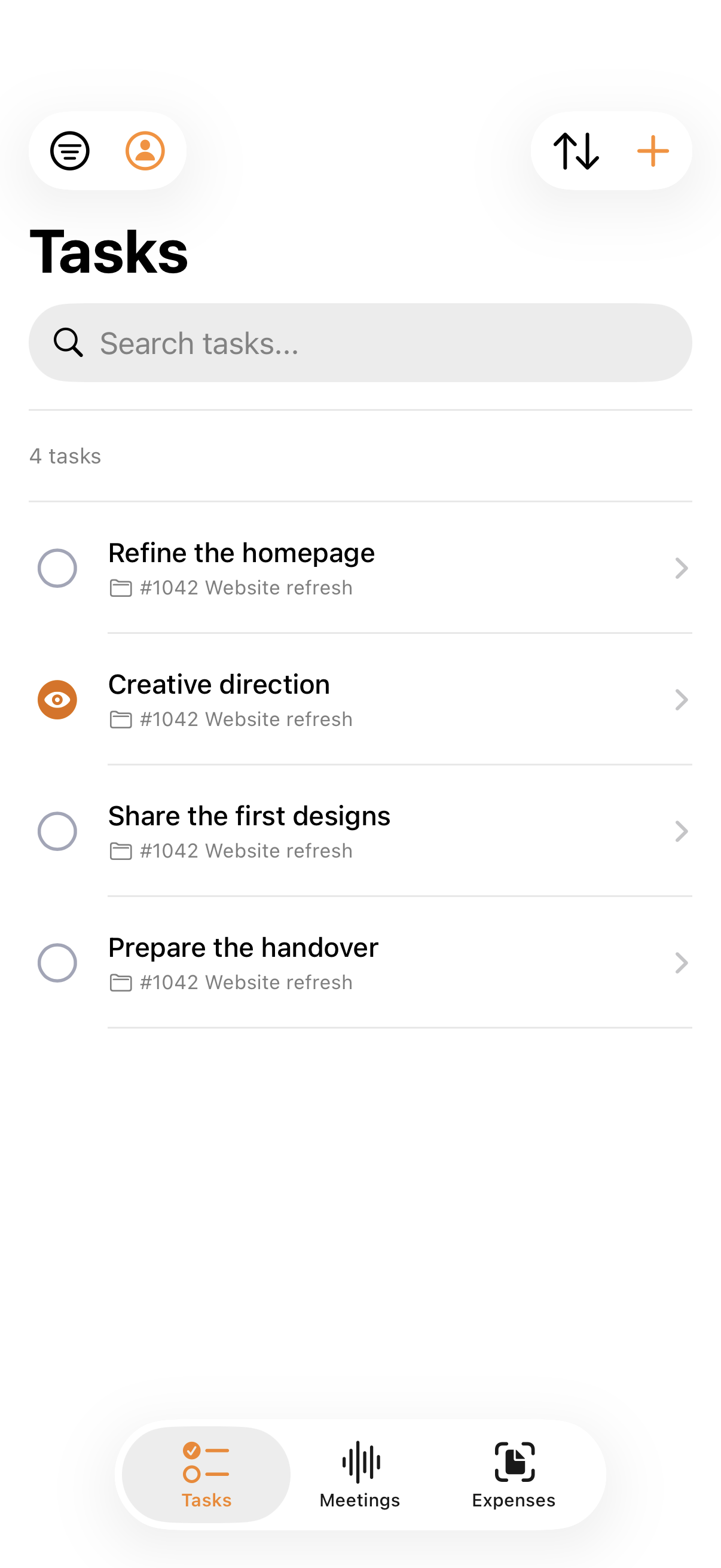
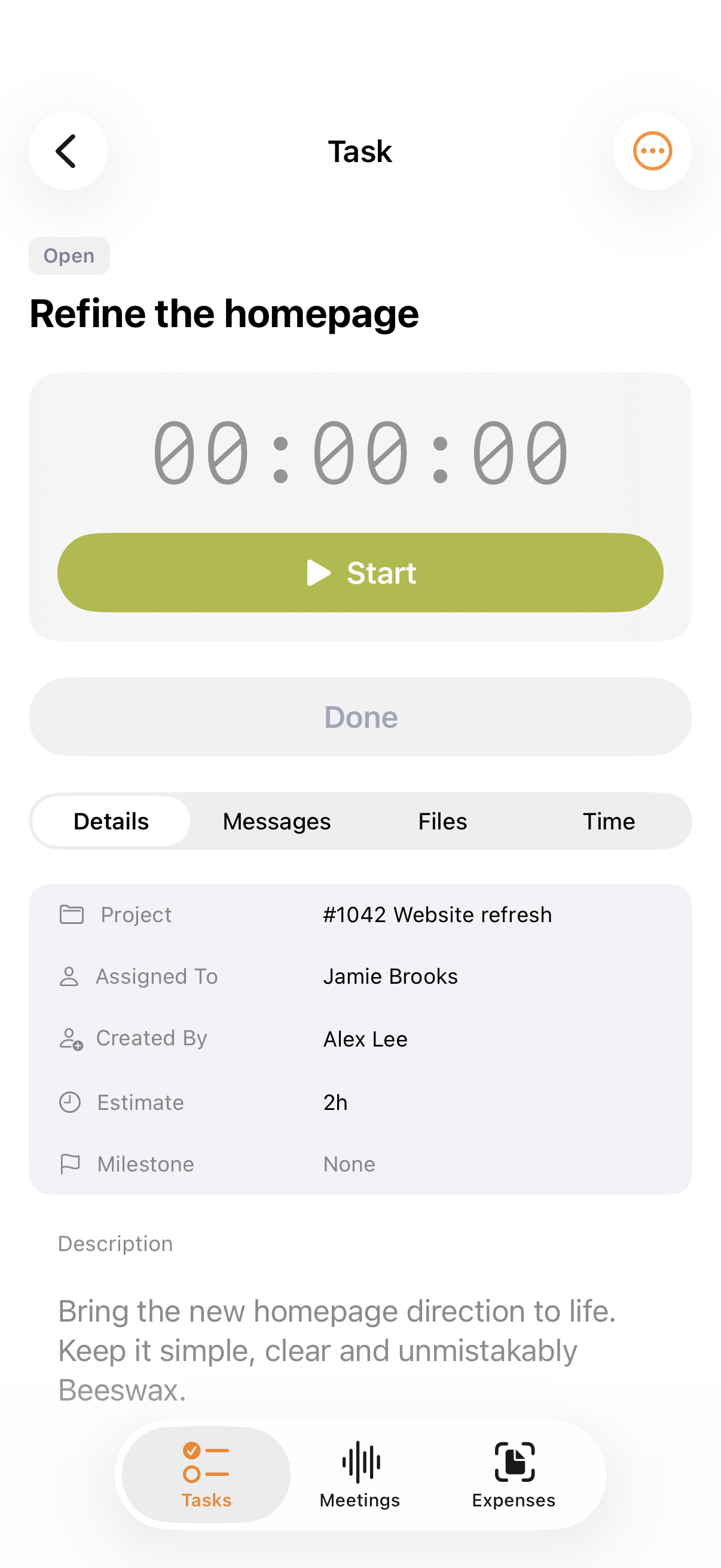
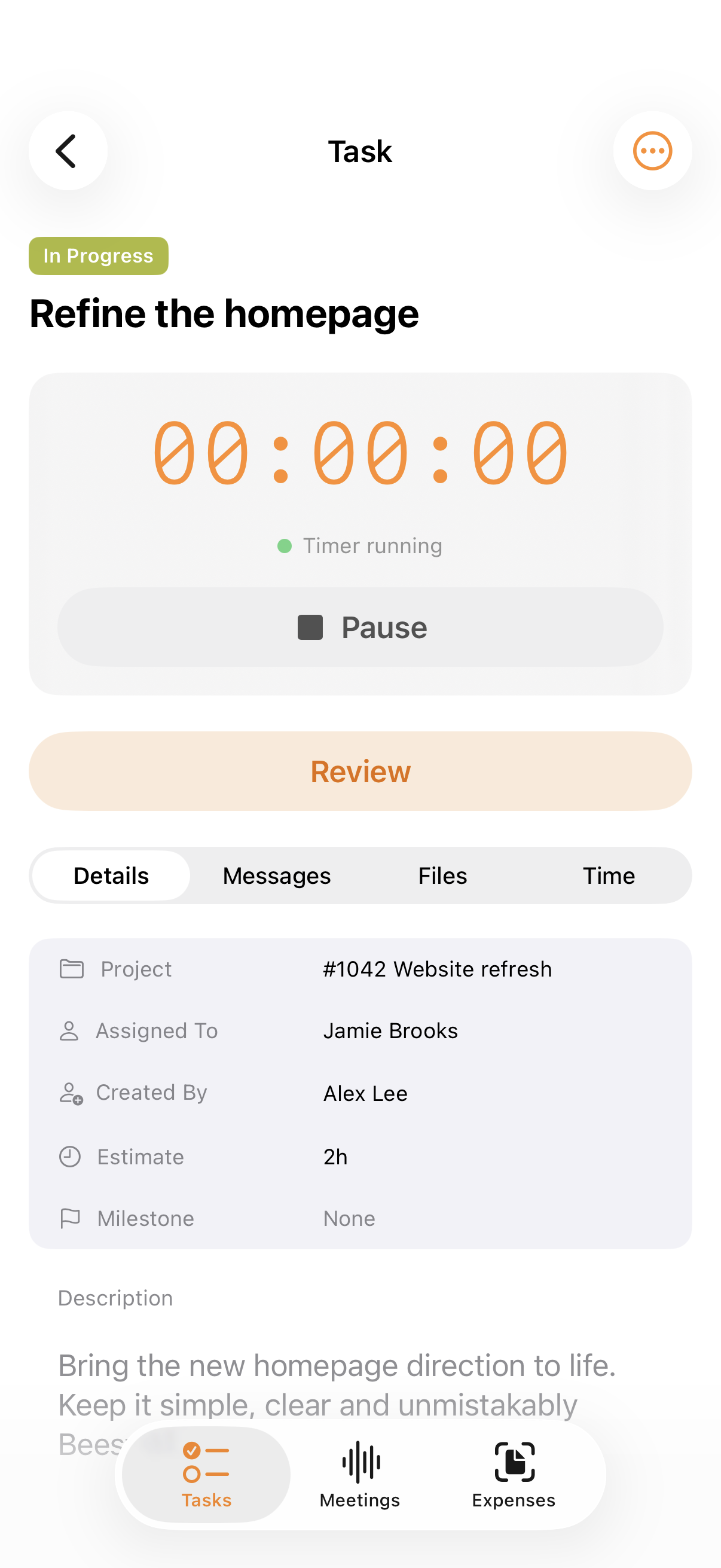
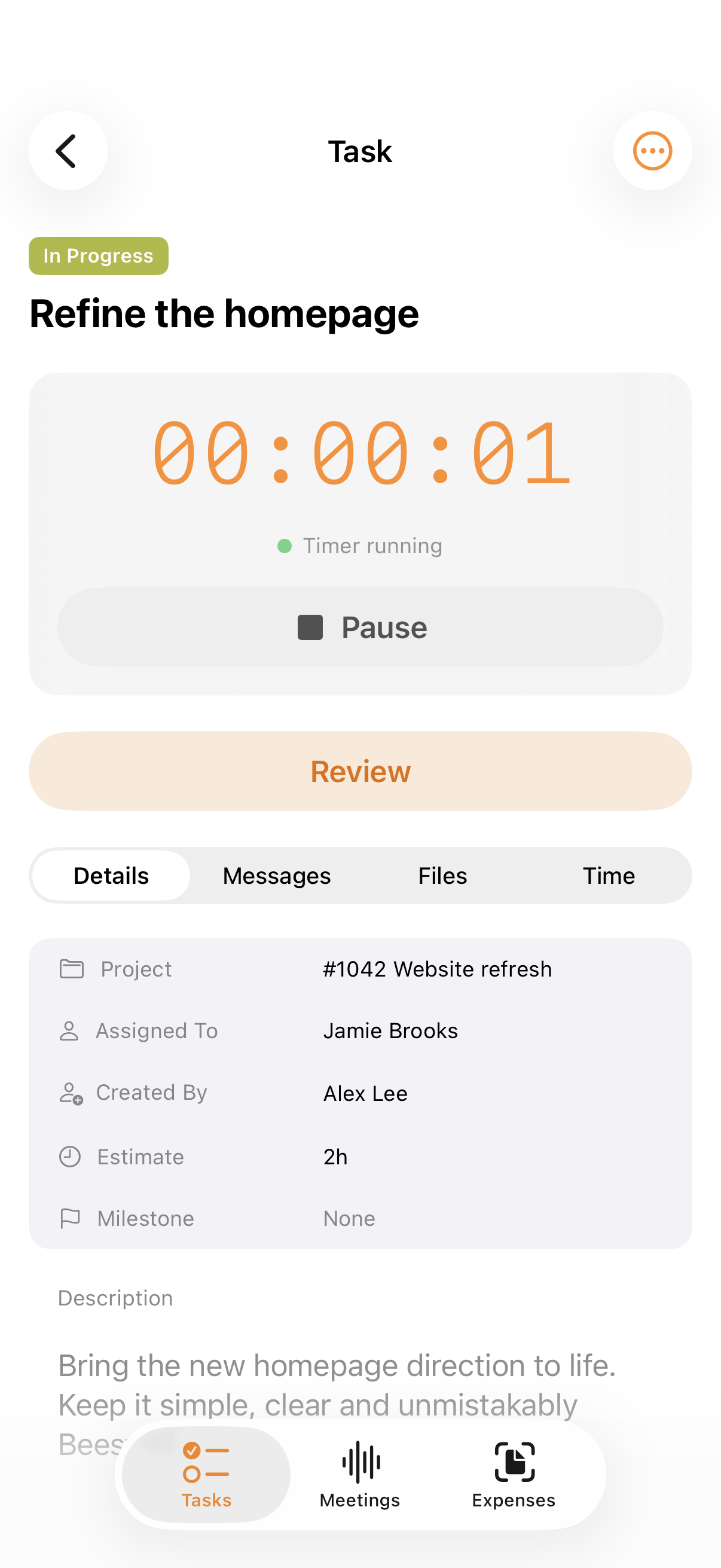
Open a task. Start the timer. Capture an expense before the receipt disappears. Good work goes with you on iPhone.
Meet Beeswax for iPhone ↗
A DIFFERENT WAY TO MAKE THE MOVE
Moving from Xero? Work through the move with a connected assistant: plan what to bring across, investigate the records and check the result. Preview and confirm the Xero reference-data import in Beeswax, then agree how transaction history and opening balances will be transferred.
Plan your move to Beeswax ↗
A CONVERSATION TO START WITH
“Help me move from Xero to Beeswax, then check the imported records against my source reports.”
Example prompt for a connected assistant. Available actions depend on its connections and permissions; the current Beeswax MCP tools do not start the import wizard.
Make a little room for the work you actually like.
Give Beeswax a goYour first 60 days are on us. No credit card required.